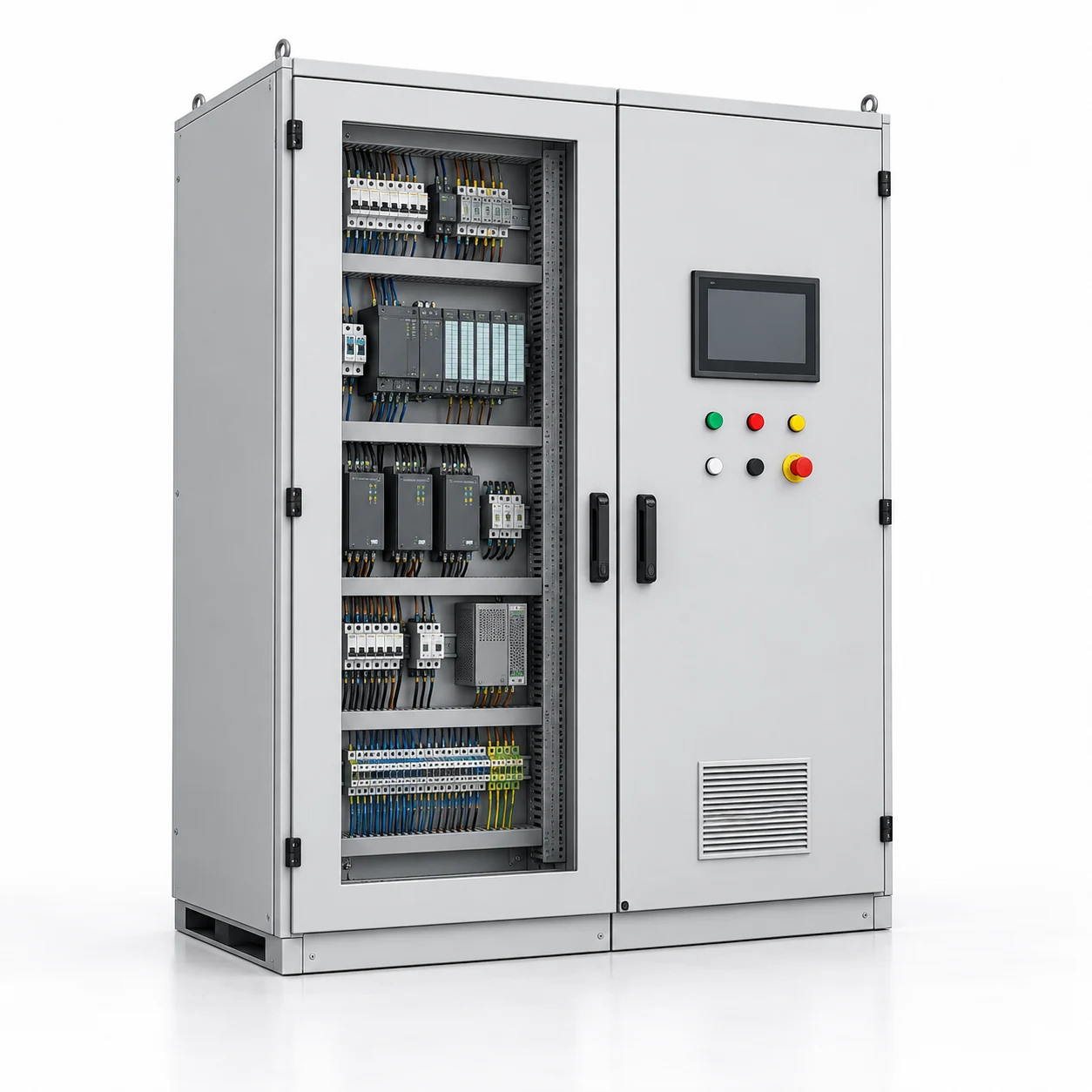
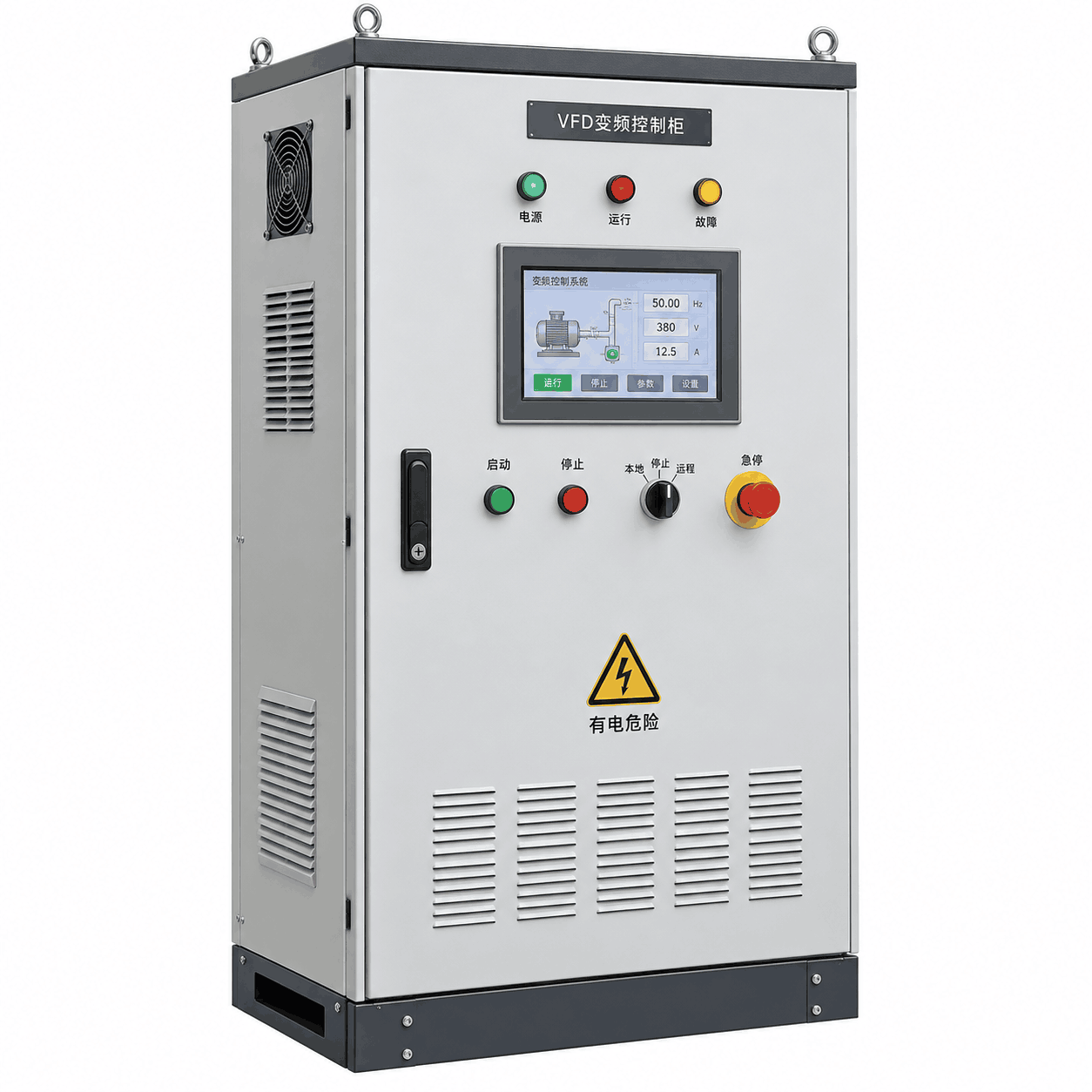
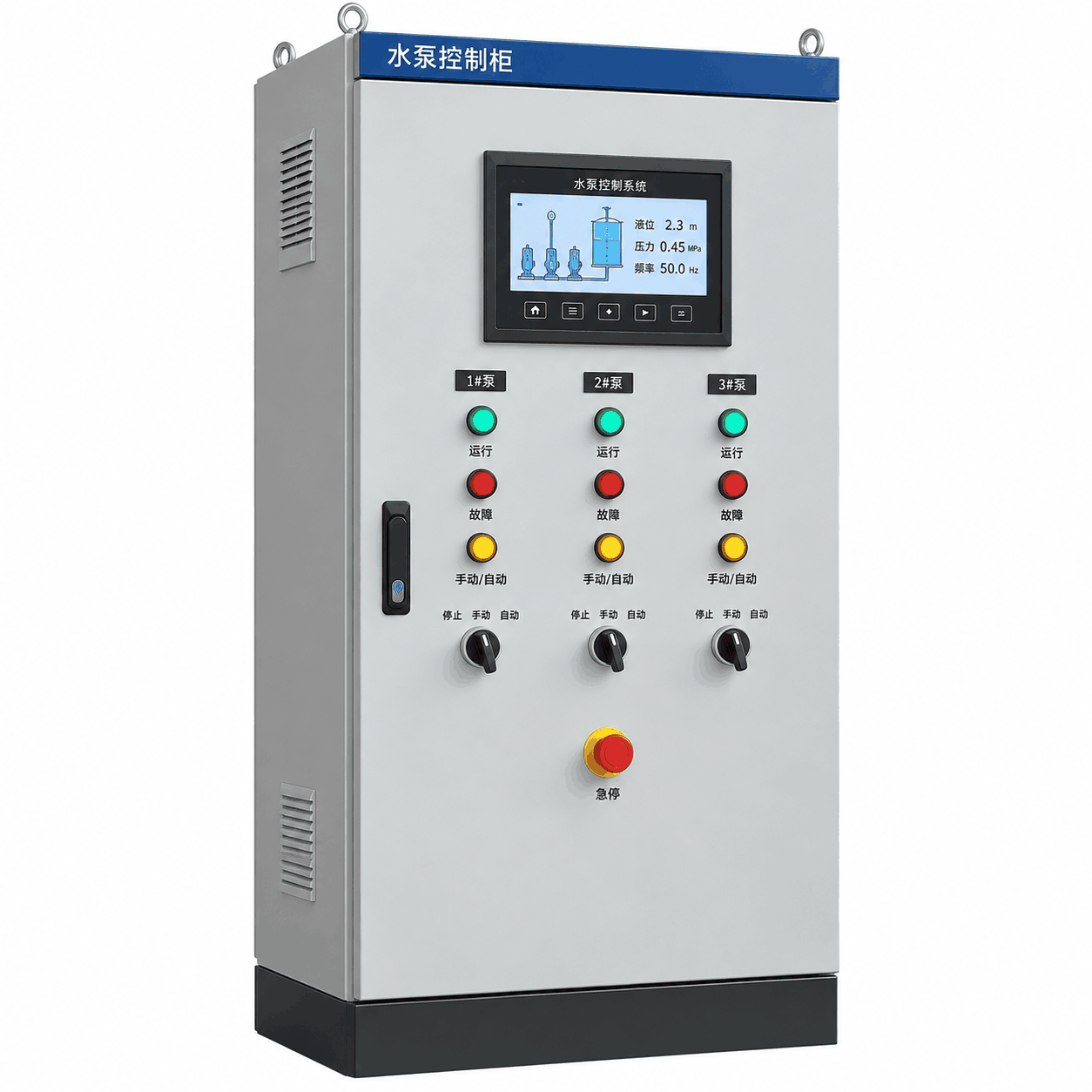
Screen structure
Define the equipment overview, process pages and navigation required by the operating team.
CONTROL TYPE · SHENGYU HENGDA
Operator-interface panels for viewing equipment status, managing commands and interacting with the control system.
Email: shengyuhd@gmail.com
PRODUCT OVERVIEW
An HMI panel should reflect the decisions an operator needs to make. Define the screens, commands, alarm information and connected control system so the interface and enclosure can be specified around the application and its operating environment.
Equipment requiring a local operator interface
Processes with defined status, alarm and command screens
Control projects with multilingual interface requirements
Explore the product familyCONFIGURATION
These points help define the project scope. Final equipment specifications are confirmed for the selected configuration.
Define the equipment overview, process pages and navigation required by the operating team.
Identify operator commands, adjustable values and any requested user roles or access restrictions.
List the status points, alarms, trends and record-handling functions requested for review.
Specify the installation location, panel arrangement and interface with the controller or other data source.
Screen functions, supported protocols, data recording and language support depend on the selected hardware and software scope. An HMI interface does not by itself define the underlying control logic.
BUILD YOUR PROJECT BRIEF
Enter the information you already have. These are your requested values, not confirmed product ratings.
Leave anything unknown blank. Your entries will be carried into the inquiry, so you won’t need to type them again.
Download this worksheetPROJECT DOCUMENTS
Have these documents available when you discuss the equipment with our team.
Share the required page structure and examples of the information operators need.
Identify displayed values, operator commands and alarm messages.
Provide connection requirements and details of the system supplying the HMI data.
An editable checklist for your requirements. This is not a product datasheet.
PRODUCT QUESTIONS
State whether you need an interface for an existing controller or a combined PLC and HMI package. These are different supply scopes and should be identified in the inquiry.
Include the required languages and translated terminology in your brief. The hardware and software requirements can then be reviewed for the proposed interface.
IN THE SAME FAMILY
Send us your project requirements.
SHENGYU HENGDA
Shengyu Hengda (Shanxi) Electrical Equipment Co., Ltd.
盛昱恒达(山西)电气设备有限公司
shengyuhd@gmail.comStart a project inquiry